


Logo & Brand Decisions
Logo Design Package Deliverables
A professional logo design package should provide the approved logo variations, color modes, vector masters, practical raster exports, and clear usage guidance needed for the agreed applications.
Compare What You Need
Core logo package deliverables
A logo package is a controlled set of approved assets. Its value comes from giving each team the right version for the right context while protecting consistency.
| Deliverable | Why it matters | Confirm in writing |
|---|---|---|
| Primary logo | The main approved identifier | Color, one-color, and reversed versions |
| Alternate logo | Fits shapes the primary mark cannot | Horizontal, stacked, or compact arrangement |
| Icon or submark | Supports small and square applications | Minimum size and when it may stand alone |
| Vector masters | Scale cleanly for print, signs, apparel, and production | SVG, EPS, or PDF plus editing responsibility |
| Raster exports | Provide practical screen and office-use files | PNG or JPG sizes, backgrounds, and color space |
The list should be tailored to real applications, not padded with file extensions the client will never use.
Design deliverables
Marks, variations, color specifications, typography decisions, and rules define the approved system.
Production deliverables
Prepared files, naming, folders, export sizes, and vendor-ready versions make the system usable.
A professional package is complete when the agreed applications have approved logo variations, correct production formats, clear color specifications, and understandable usage rules.
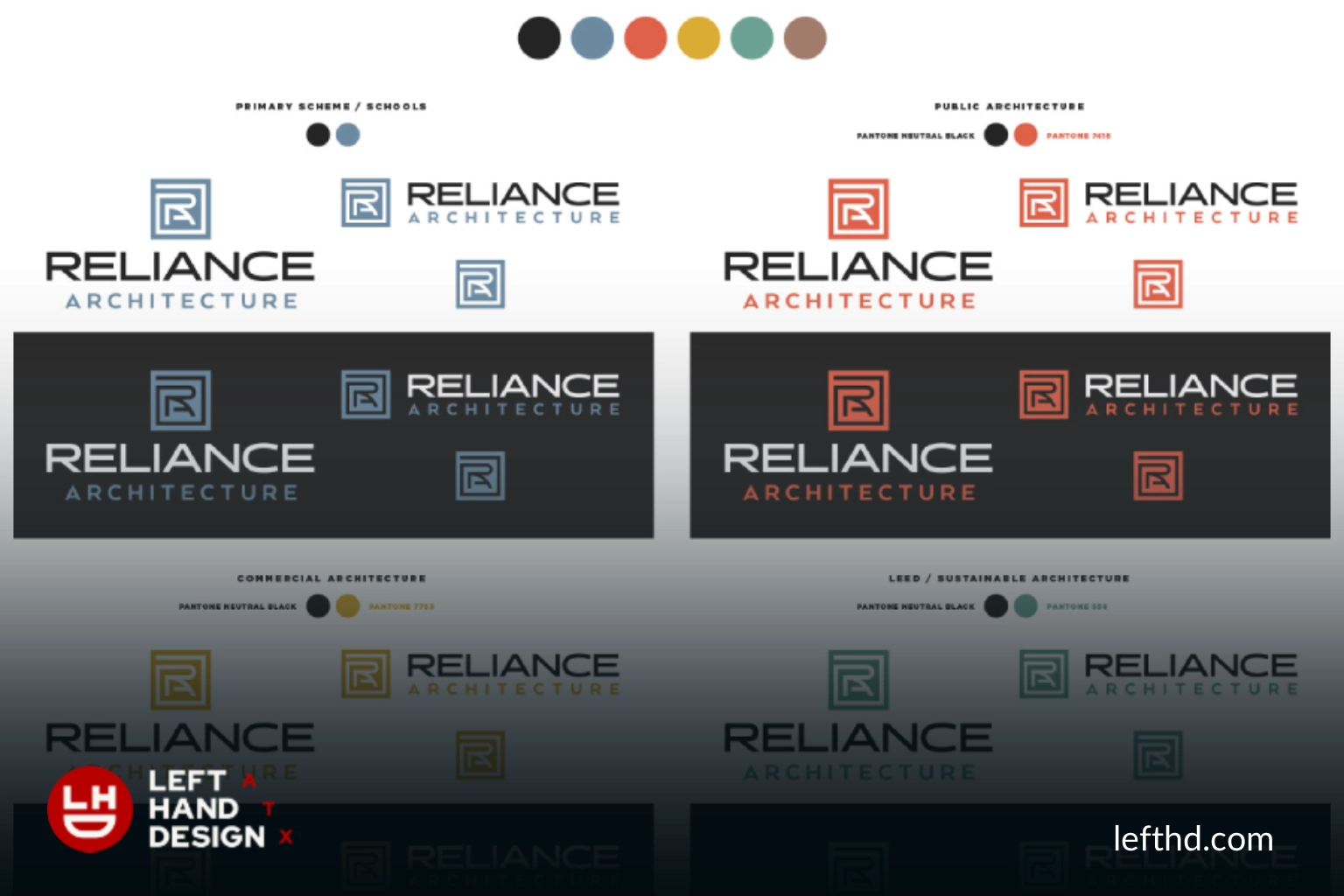
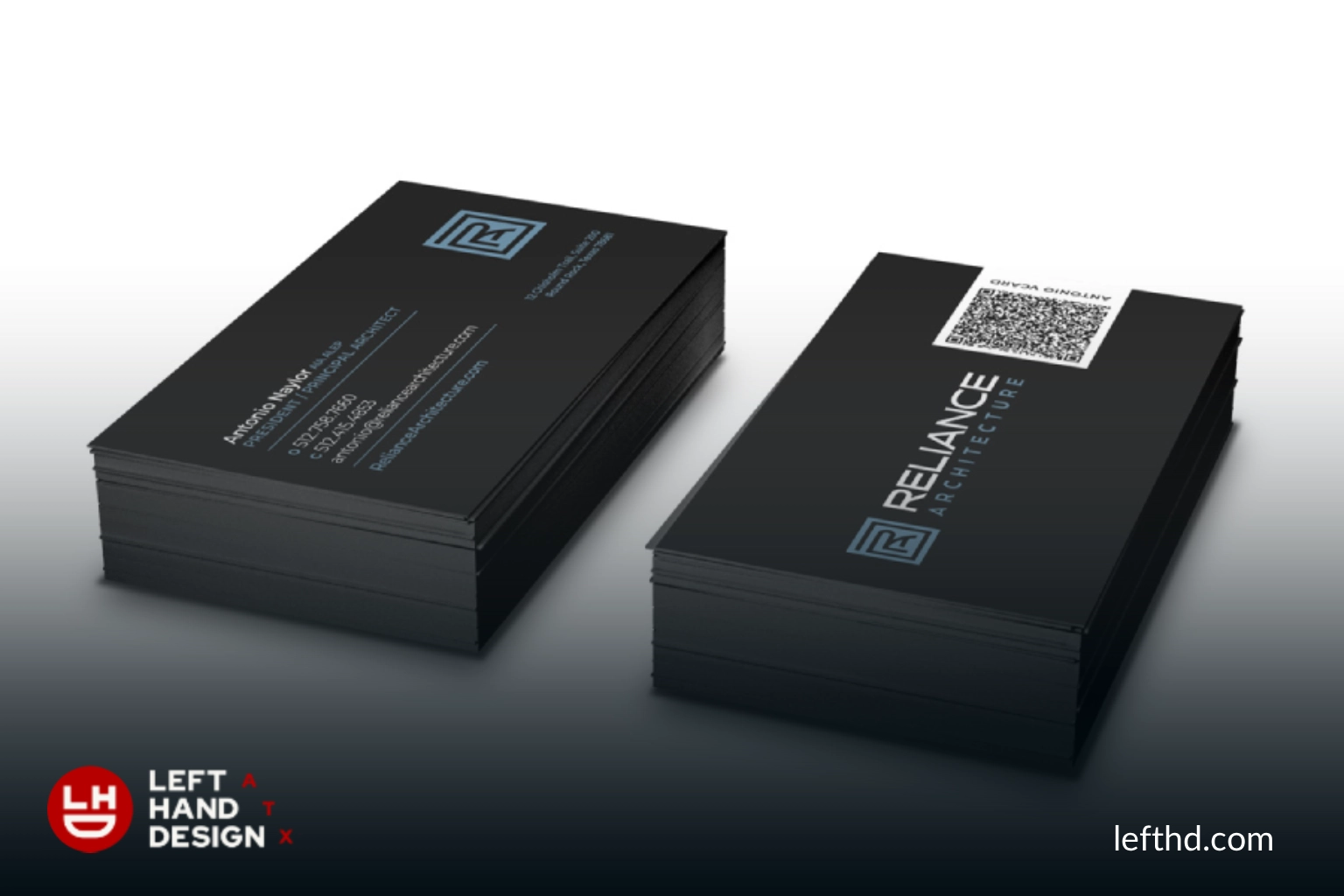
Proof note: The Reliance Architecture portfolio visibly shows a logo, branding, stationery, and trade-show applications, demonstrating why a handoff may need multiple formats and layouts.
See It in Use
The handoff folder should answer practical questions before they become emergencies.
Organize assets by logo variation, color mode, and intended use. Plain-language folder names help non-designers choose correctly without opening every file.
A short guide should explain minimum size, clear space, backgrounds, color values, type choices, and examples of correct and incorrect use.
- Primary and alternate logos
- Icon or submark
- RGB, CMYK, and spot-color versions when required
- SVG, EPS, PDF, PNG, and JPG as scoped
- Guidelines, licenses, and ownership records
Watch for File-Delivery Gaps
More files do not automatically mean a better package.
Duplicate, unlabeled, or inconsistent exports create risk. Every file should have a purpose, an approved version, and an understandable name.
Risk Check
Six handoff failures that create production problems.
Only one layout
A wide mark may fail in avatars, favicons, narrow signs, or tall packaging. Review the logo design package deliverables before approving the handoff.
Raster-only artwork
Small pixel files cannot be enlarged cleanly for large-format production.
Wrong color mode
RGB artwork sent to print or CMYK files used on screen can produce avoidable color surprises. Connect the decision to a controlled brand identity system rather than treating the asset in isolation.
No one-color version
Embroidery, stamps, vinyl, and simple production methods may need a controlled single-color mark.
Unclear rights
Teams cannot confidently use, adapt, or distribute files when licenses and ownership are vague.
No source of truth
Uncontrolled email attachments and renamed finals cause outdated marks to reappear.
How the Work Moves
Review the package from master art to everyday use.
A practical logo package checklist plan connects your goals to the places the identity must work, the people who need to approve it, and the files your team will use. Continue with the logo design service when the scope needs production support.
Inventory applications
List digital, office, print, apparel, packaging, signage, and vendor uses.
Match variations to shapes
Confirm which approved logo belongs in wide, square, tall, and small spaces.
Match formats to production
Map vector and raster files to the people and vendors who will use them.
Review guidance and rights
Confirm colors, type, clear space, licenses, ownership, and permitted modifications.
Test the folder with a non-designer
Ask a real team member to locate the correct file for a common task without coaching.
Ready-to-Launch Checklist
Professional logo package checklist.
Use the agreed scope as the authority and verify each practical need before final acceptance. Write down the decision, name the person responsible, and keep the final files easy to find.
- Primary logo is included.
- Alternate layouts are included where needed.
- Icon or small-scale mark is defined.
- One-color and reversed versions are present.
- Vector masters and practical raster exports are included.
- RGB, CMYK, and spot values are documented as applicable.
- Usage guidance, licenses, and ownership terms are clear.
- Folder names and version labels identify the source of truth.
Test the File Delivery
A teammate should be able to choose the right logo without guessing.
If the folder requires a designer to interpret every filename, the package is not yet operational.
Decision
Judge the package by readiness for real work.
A professional package is complete when the agreed applications have approved logo variations, correct production formats, clear color specifications, and understandable usage rules.
Do not assume a generic list is included. Ask the provider to name every deliverable, format, license, and support responsibility in the proposal.
Use the file-format guide and public portfolio to connect technical deliverables with the places the identity must actually appear.
FAQ
Quick answers about logo package checklist.
Should a logo package include vector files?
Yes, a professional handoff should normally include an appropriate vector master such as SVG, EPS, or PDF when the project requires scalable production artwork.
Do I need both PNG and JPG files?
PNG is useful for transparency and interface assets, while JPG can be useful for simple photographic or office-document contexts that do not need transparency.
Should fonts be included in the handoff?
Only when font licenses permit transfer; otherwise the package should identify the fonts and explain how the client can license them.
What is a reversed logo?
A reversed logo is an approved light version designed for a dark or image background with enough contrast.
Who owns the final logo files?
Ownership depends on the written agreement and any third-party licenses, so confirm transfer, usage, and excluded source materials before approval.
See What Your Project Needs
See What Your Project Needs
Left Hand Design can scope the variations, formats, and usage tools your team needs for launch and ongoing production.